


AI-POWERED VISUALISATION AND SALES
FastRender
Your customers' photos, turned into renders of your catalogue and into quotes
THE SOLUTION
FastRender
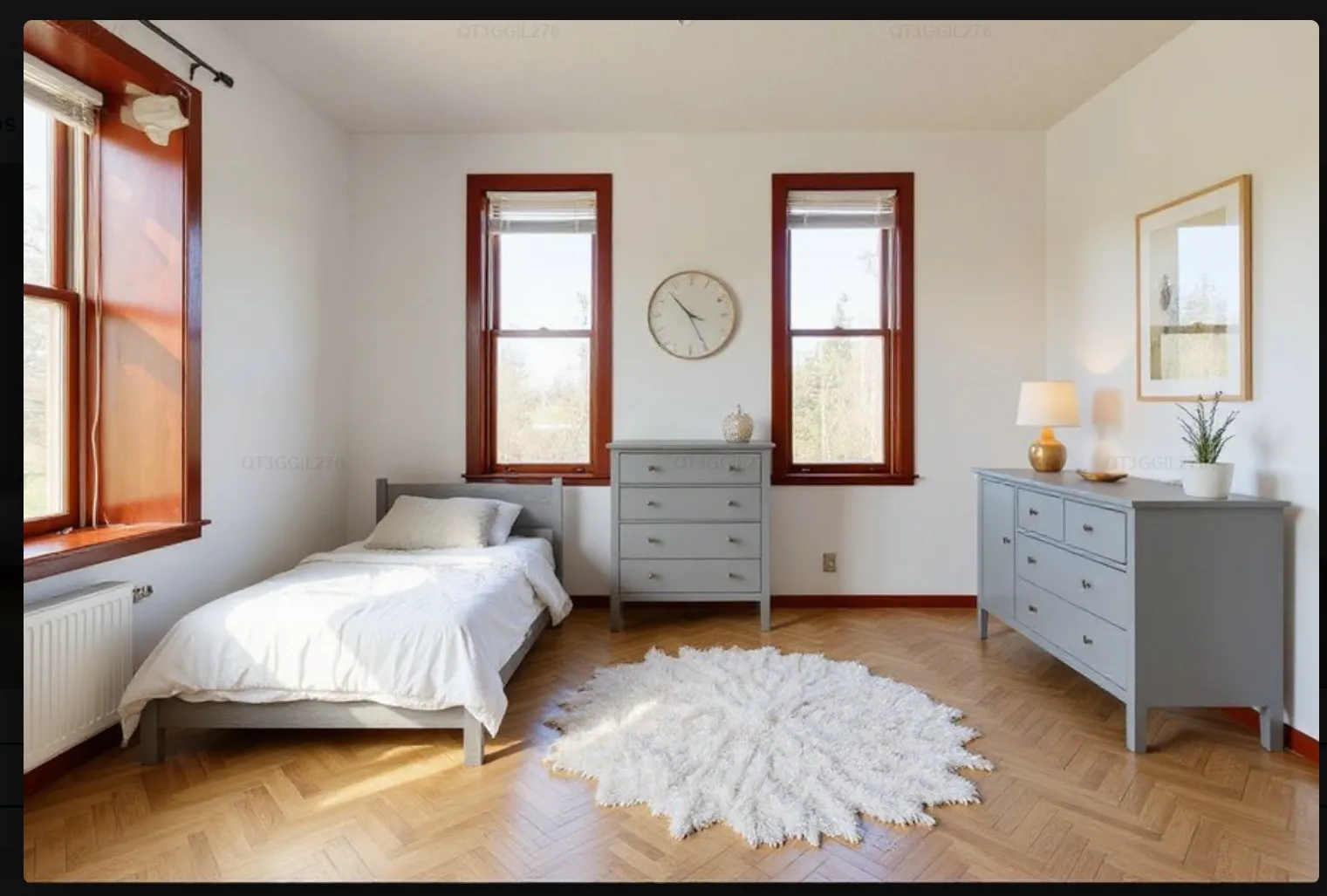
Add FastRender to your website and let your customers design their space on their own photos with the furniture, components and materials in your catalogue. In seconds they see the result and an investment range; your team receives the opportunity with the bill of materials and the preliminary quote.
HOW IT WORKS
From the customer's photo to an opportunity ready to close
- 1Upload a photo
From a phone or computer: the kitchen, the living room, the terrace or the plot.
- 2Choose from your catalogue
The selector shows the modules for your sector and only feasible combinations.
- 3See the result
A photorealistic render that respects their space, with the investment range.
- 4Your team closes
The opportunity reaches the panel with the photo, the render, the materials and the preliminary quote.
Opportunities that arrive qualified. Anyone who designs on their own space and knows the indicative investment reaches your team with a clear intention to buy.
THE CHALLENGE
Selling a project should not take weeks
Endless sales cycles
The customer waits days for a designer to prepare a 3D plan. With FastRender they see the transformation instantly, with your real products.
Cold, unqualified leads
Hours of design go to people who are only comparing prices. Here the customer designs on their own space and knows the indicative investment before asking for a quote.
Manual quotes
The sales team measures, breaks down and calculates by hand. FastRender generates the breakdown of components and a preliminary quote with your rates.
MODULES BY SECTOR
A space selector for every catalogue
It is activated according to your business and shows only your products.
Kitchens and modular furniture
For kitchen, wardrobe and dressing-room manufacturers: wall and base units, worktops, fronts and appliances on the photo of the wall, with the module breakdown.
Decoration and interiors
For home, office and contract furniture, flooring and wall coverings: sofas, tables, lighting, decking or paint on the photo of the living room, bedroom or office.
Home patios, terraces and gardens
For pergolas, outdoor decking and furniture, artificial grass and enclosures, with the installation estimate.
Municipal gardens and public spaces
For urban landscaping and street furniture: benches, bins, play equipment, street lights and technical paving on the photo of a square or a park.
Civil works and tenders
For contractors and architecture firms: quick visual preliminary designs for proposals and public tenders.
THE ENGINE
AI that respects the real space and your catalogue
Spatial recognition
Detects perspective, vanishing lines, walls, floors and lighting, and keeps the real structure of the space.
Your catalogue, parametrised
References, dimensions, finishes and modular constraints: every design is technically feasible.
Automatic bill of materials
Each render extracts the references and quantities used.
Preliminary quote
With your rates and business rules, and the indicative range the customer sees.
YOUR CATALOGUE
Only furniture that exists in your catalogue is proposed
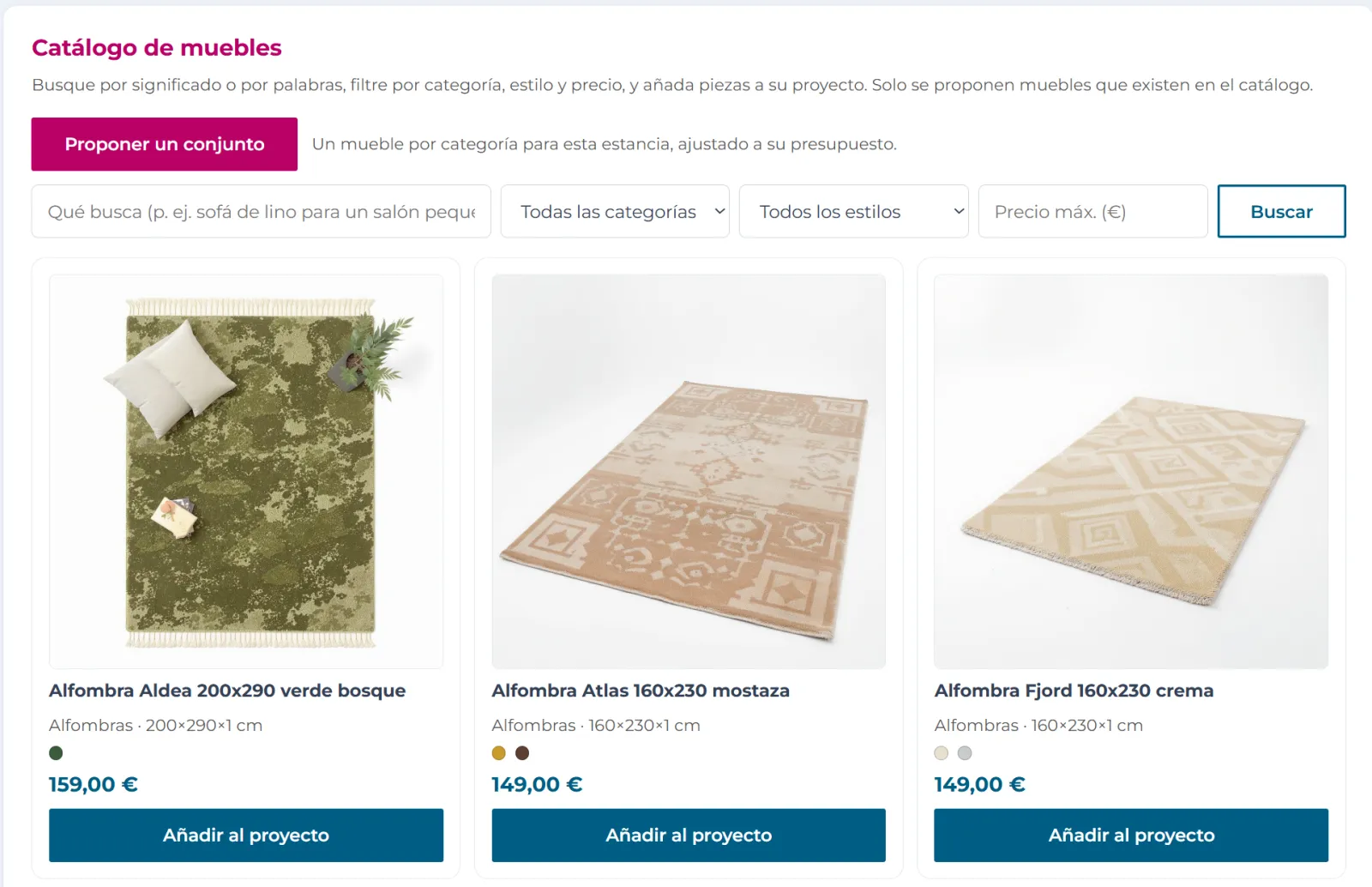
Search by meaning
Customers describe what they want in their own words, such as “linen sofa for a small living room”, and find the pieces that fit.
Filters by category, style and price
To narrow the catalogue down and add to the project only what fits their idea and their budget.
Suggest a set
In one click, one piece per category for that room, matched to their budget.
WHAT YOUR CUSTOMER SEES
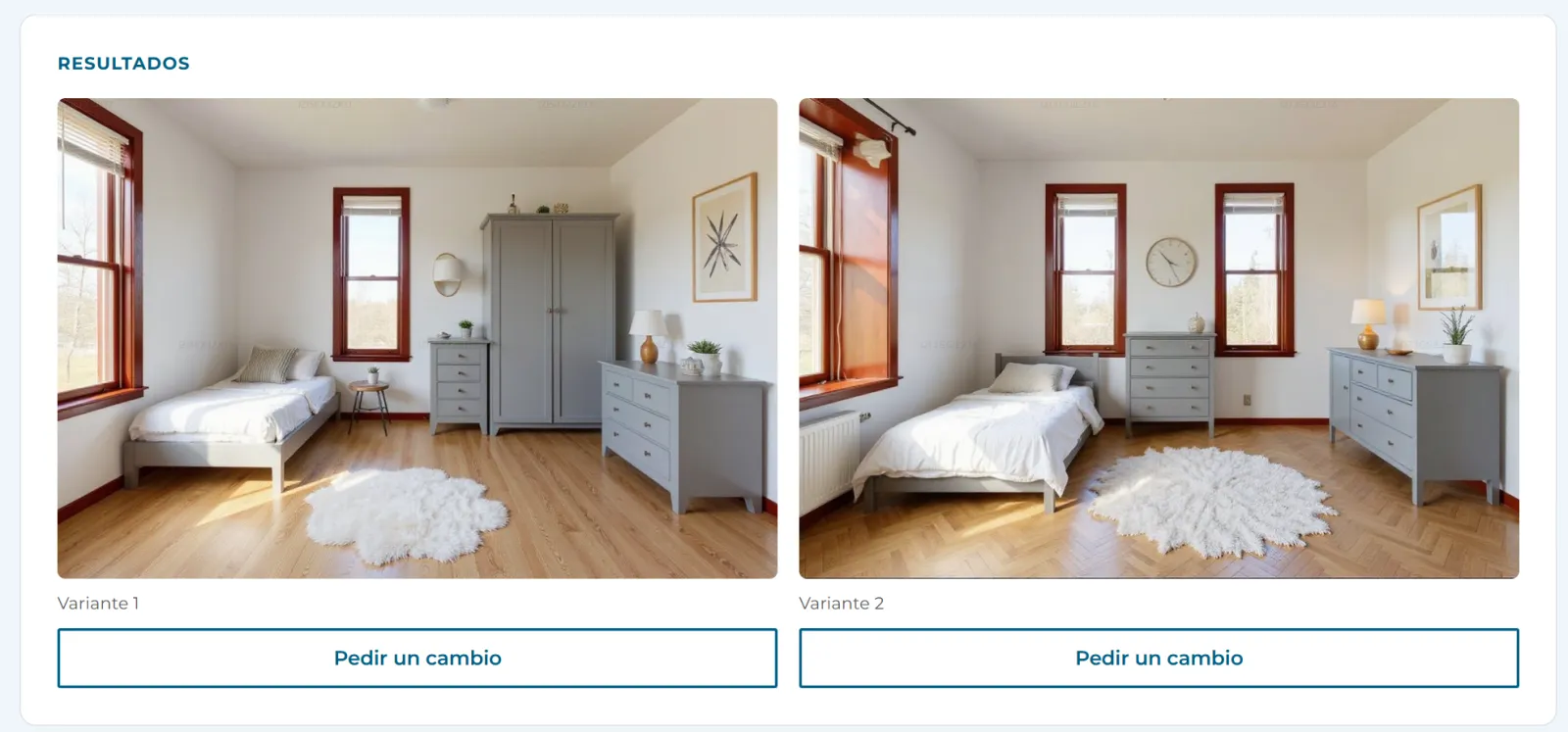
Several proposals on their own photo, with changes on request
Variants to compare
Several proposals with the chosen pieces are generated on the same photo so the customer can compare them.
Request a change
On each variant they can ask for adjustments without starting from scratch.
SALES TRACKING
From visualisation to sale
Visual lead gallery
The original photo, the render and the exact product mix of each customer.
Draft quote
The components and references from your catalogue with your rates applied.
Refine and close
Adjust quantities, add transport or installation, apply discounts and turn it into an official quote in one click.
Sales assignment
Each opportunity goes to the right branch or salesperson by area or project type.
Pipeline for each opportunity: new lead, render created, quote sent, negotiation, won or lost.
INTEGRATION
On your website, with your brand
Widget with your brand
Added with a lightweight script to WordPress, Shopify, PrestaShop, Magento or a custom build.
Synchronised catalogue
Products, dimensions, finish variants and pricing rules.
Modular filters
Your customers' designs always meet the technical constraints of your catalogue.
In the cloud
Designed to respond in seconds, even with traffic peaks on your online shop.
Your customers' images and data are processed securely and in line with the GDPR.
Built for: Manufacturers and distributors of kitchens, bathrooms, furniture, decoration, flooring, outdoor products and joinery, interior design studios and civil works contractors.
FAQ
Frequently asked questions
Straight answers to what we're asked most.
What does the customer need to use it?
Just a photo from a phone or computer. No design knowledge is required.
Does the render use my real products?
Yes: the references, dimensions, finishes and constraints of your catalogue, and only feasible combinations.
Is the price the customer sees final?
No. They see an indicative range; your team adjusts the draft (quantities, transport, installation and discounts) and turns it into an official quote.
How is it added to my website?
With a widget added through a script to WordPress, Shopify, PrestaShop, Magento or a custom build, with your branding.
What happens to my customers' photos?
They are processed securely and in line with the GDPR.
Want to see FastRender with your data?
We'll show you with a case like yours.